 Moor
Moor
Keyboard shortcuts
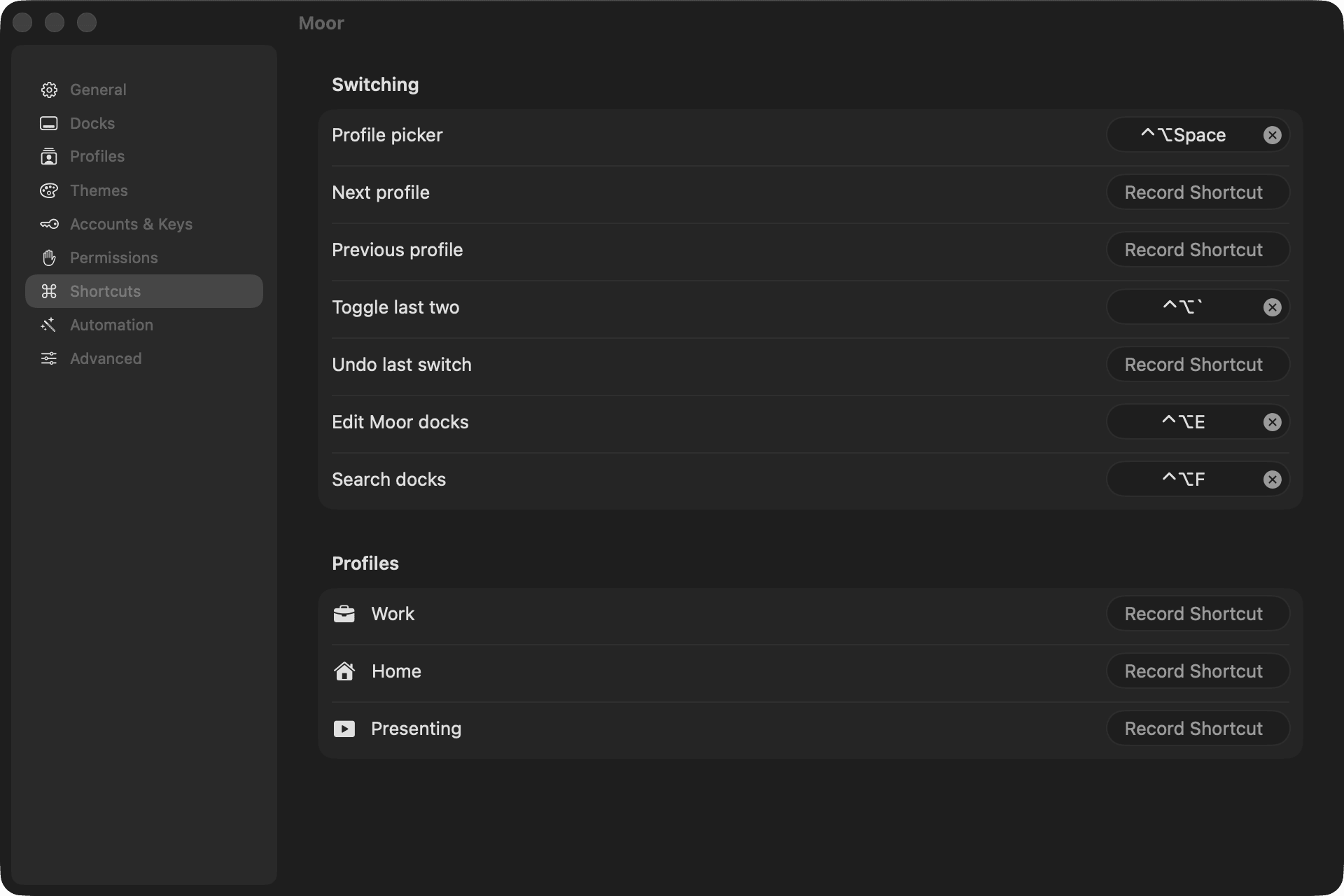
| Action | Default |
|---|---|
| Switch to profile 1–9 | ⌃⌥1 … ⌃⌥9 (the first nine profiles) |
| Back to the last profile | ⌃⌥` |
| Profile picker | ⌃⌥Space |
| Search | ⌃⌥F |
| Edit docks | ⌃⌥E |
| Next profile | Not set |
| Previous profile | Not set |
| Undo last switch | Not set |
| Settings (with the menu open) | ⌘, |
In the profile picker and search: ↑ ↓ to choose, Return to go, Esc to close.
Changing them
Open Settings → Shortcuts, click a shortcut and press the new keys. Click ✕ to clear one. Each profile can have its own shortcut too.
⌃ is Control, ⌥ is Option, ⌘ is Command.
This page as Markdown: /docs/shortcuts.md