
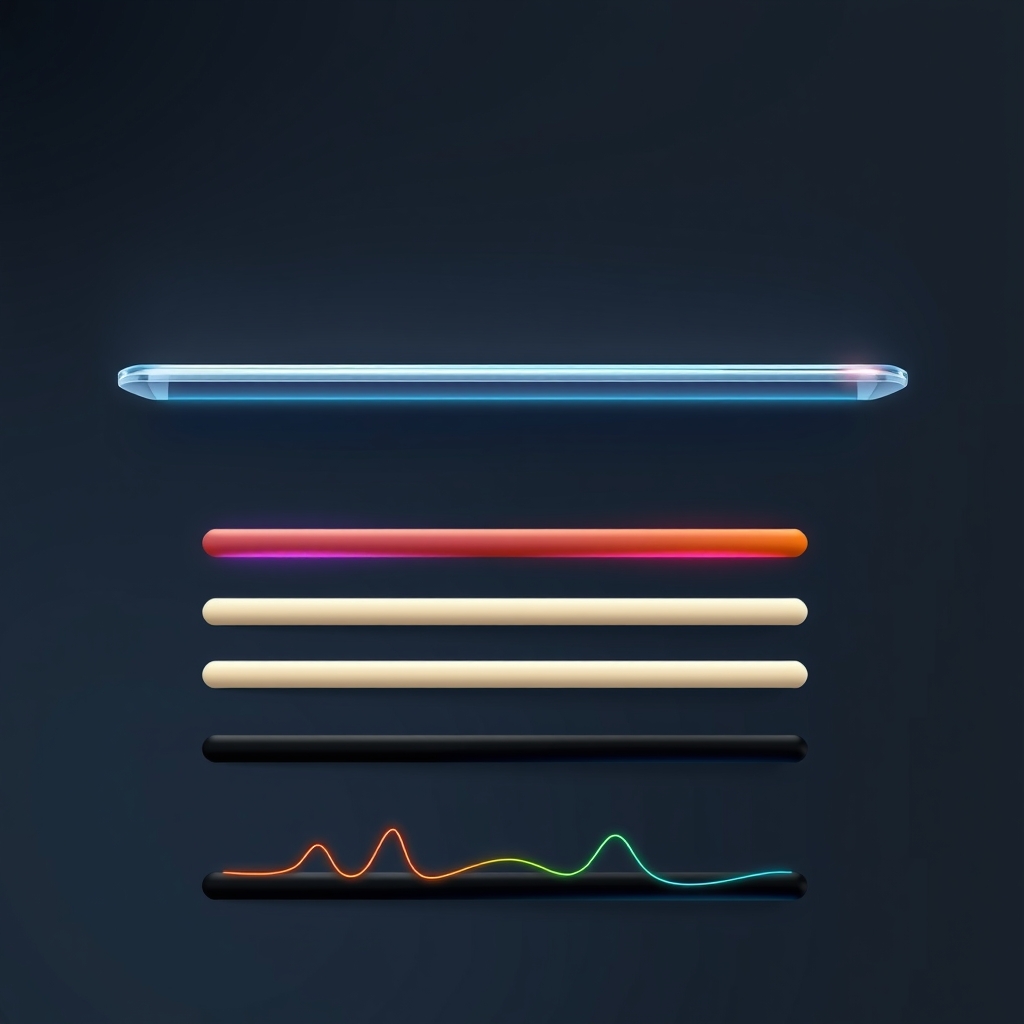
How to Change Your Mac Dock's Look: Themes, Glass and Custom Themes
Apple's Dock has no themes. You can change its size, magnification and position, plus some system-wide appearance settings, and that's all. In Moor, press Control-Option-E and pick a theme from the Theme menu: Glass, Clear, Midnight, Paper, Neon, Terminal or Islands. To build your own, open Settings → Themes, pick one and choose Duplicate to Edit. Then share it with Copy Share Link.