
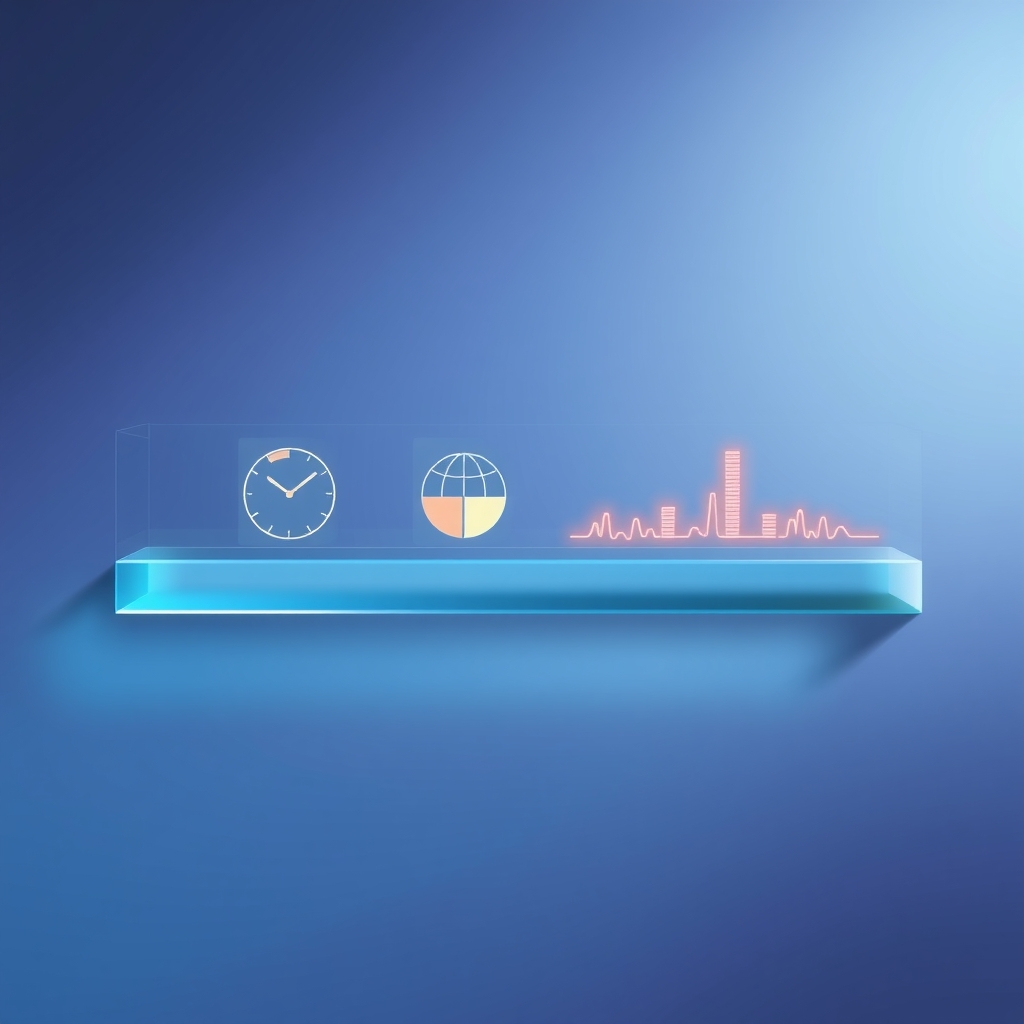
Add a Focus Timer, Countdown and World Clock to Your Mac's Dock
Apple's Dock can't hold widgets, but a Moor dock can. Press Control-Option-E, choose Add in the toolbar, and pick Clock, World Clock, Focus Timer, Countdown, Stopwatch or Time Progress. Drag the widget into place, then click it while you're still editing to change its size (icon, wide or extra wide) and its settings. Press Done, or Control-Option-E again, when you're finished.